
WLA: Primary Customization Parameters
🏷️ Print your brand identity
Now that you have the Agency version of Metricool, open the White Label administration panel (follow Route 1: Menu > Whitelabel settings).
📋🌐📝
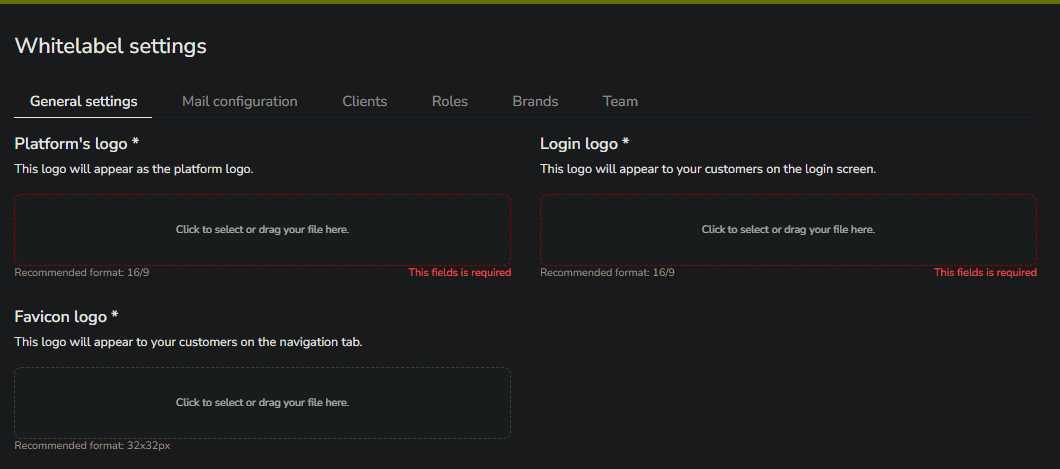
⚙️ The first tab of the panel is for General Settings. Here you can manage your identity information to match your branding by customizing your logo, name, and colors. Note that the "Login logo" shown to your clients can also be changed (more info on the login window here), as well as the favicon.
🌐 A bit further down on the same tab, you will find the fields for your Agency’s domain and name. Some important considerations regarding your agency domain are:
Domain information cannot be changed during the trial period; during this time, it will display the default Metricool extension (your-agency-name.ext.metricool.com).
To change the domain, you need to configure a CNAME record. You can learn more about this process here—don't worry, it's easy. This process, as well as any related inquiries, will be handled through our support team.
This link is for your Agency's login window. Please do not confuse it with your main Metricool account login. Keep in mind that the login window only works for users added from the Clients window (explained in detail in the second reference of this article).
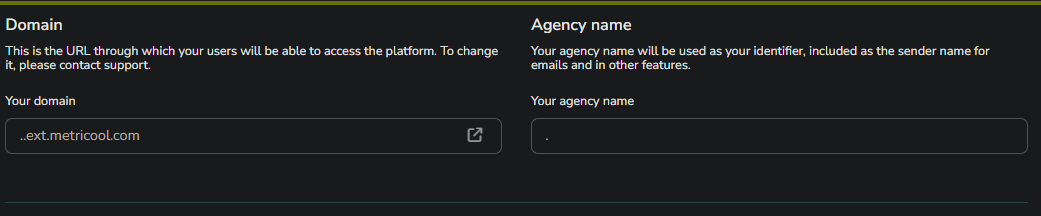
ℹ️ If your client loses their access link, simply share "Your Domain" with them so they can be redirected to your Agency's login page.
📊 Lastly, you can modify certain aspects of your reports.
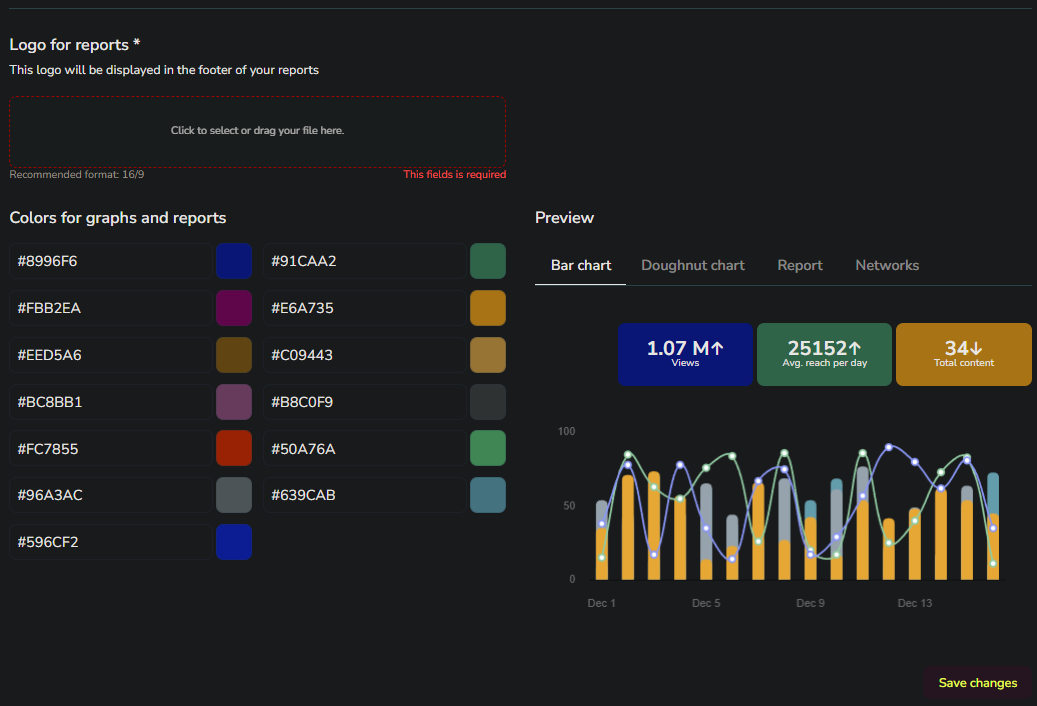
🌈 The Analytics dashboard view will also be customized to align with your brand's color identity. You can hide the Reports window from your client's view if you prefer to manage them internally through your Agency.
These reports can be sent to your clients automatically every month, or manually on demand.