Adding notes in the Inbox
Updated 2 months ago
Notes in the Inbox help you keep track of important messages and conversations, whether you work in a team or individually. The main use cases of notes are the following:
Quickly identify your users by adding notes with relevant data.
Annotations to keep track of your customers' incidents.
Add links to customer service platforms you want to share.
Notes are saved per user, i.e. if the same user contacts again, you will be able to see if this customer has previous notes.
Add a Note in the Inbox
From the Inbox tab, click on the notes icon.

Once you are inside, select the conversation, comment or review you want, and in the right column you can leave any notes, including emojis. You can also mention team members by typing @ — see more details below.
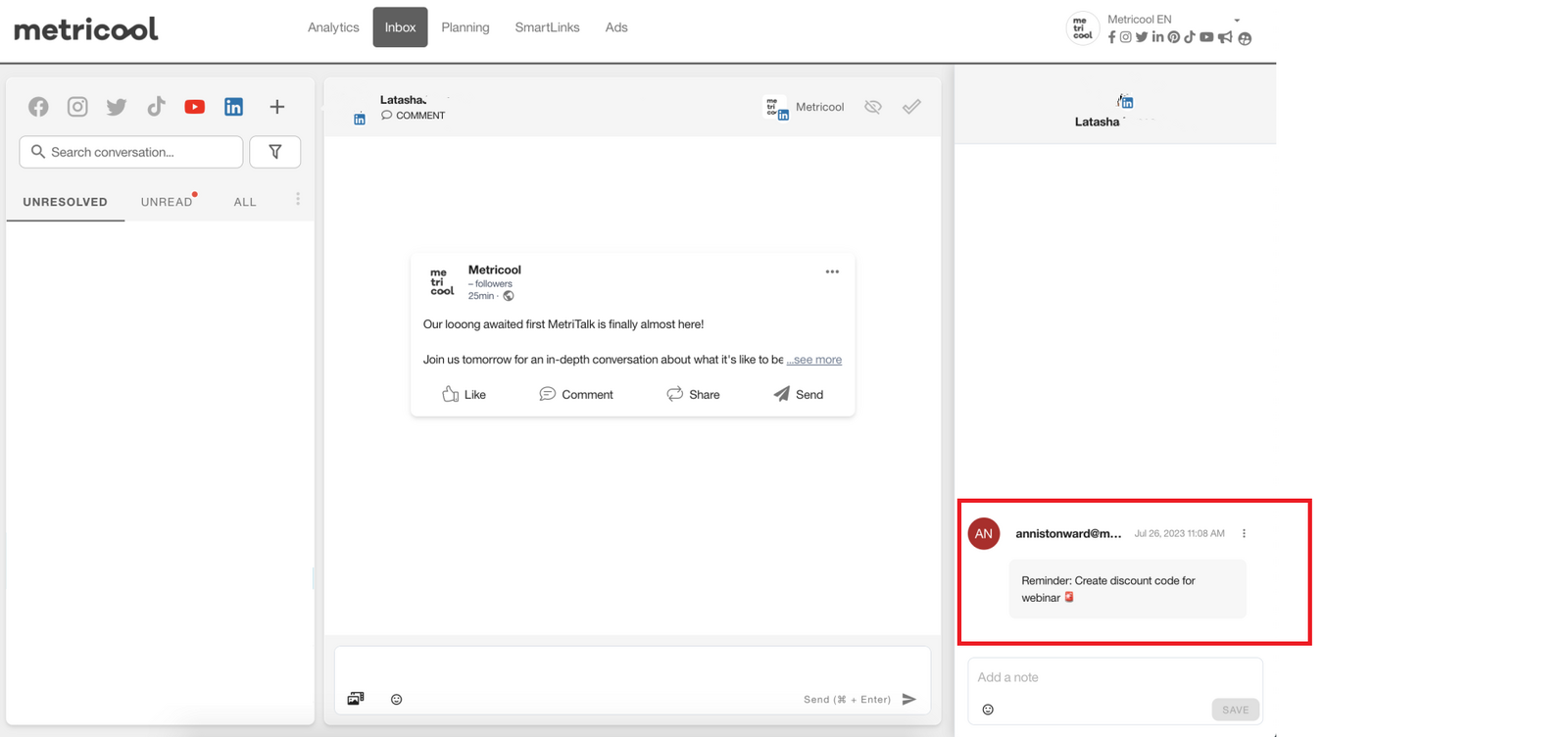
3. Finally hit save.
Mention team members in notes
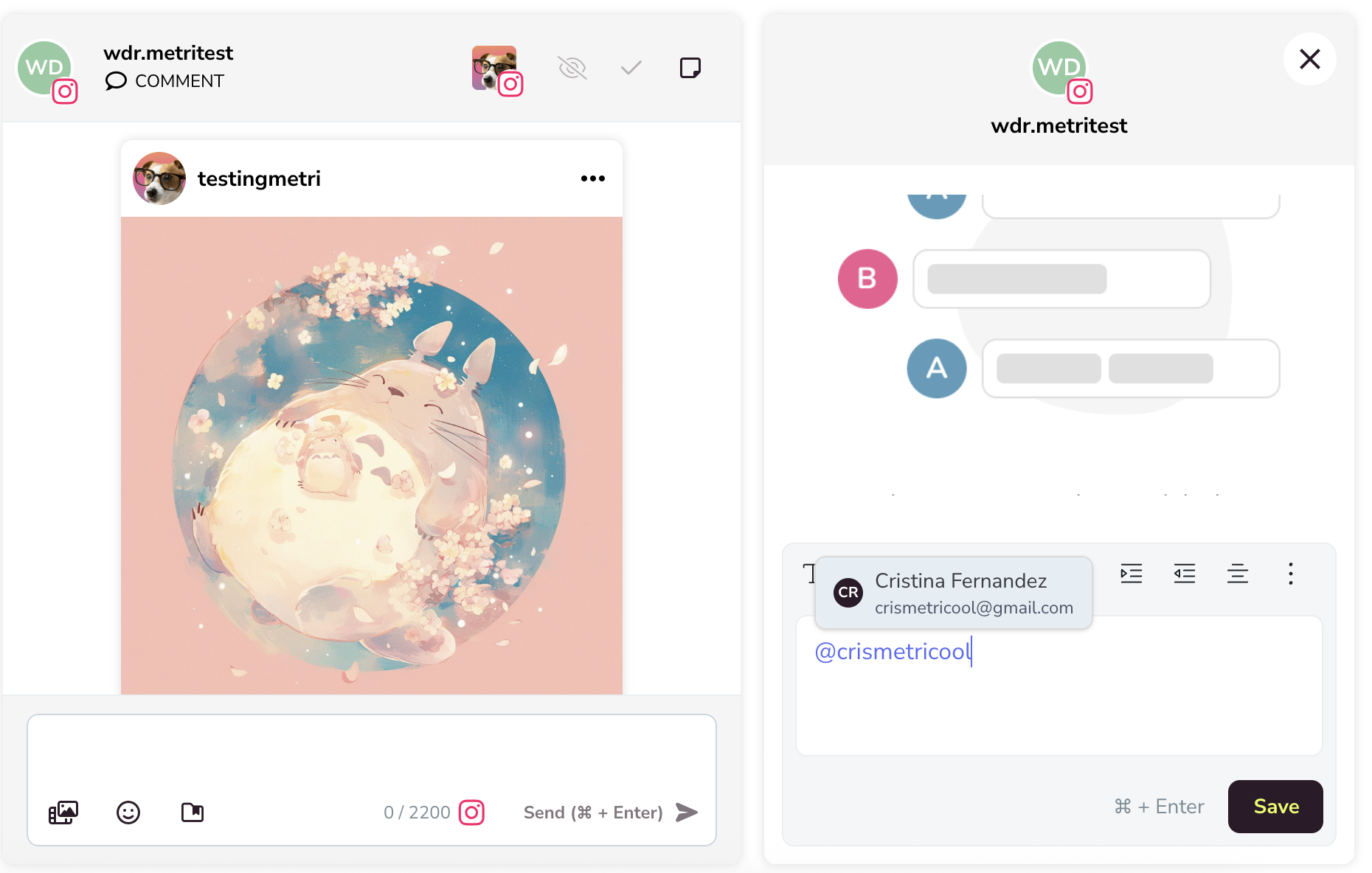
You can mention team members in your Inbox notes to provide context, feedback, or instructions directly within the post. Typing @ opens a list of team members who have access, allowing you to tag the relevant people.
While the tagging feature is in place, the tagged team member won't be notified yet. Notifications are coming soon.
Rich text in notes
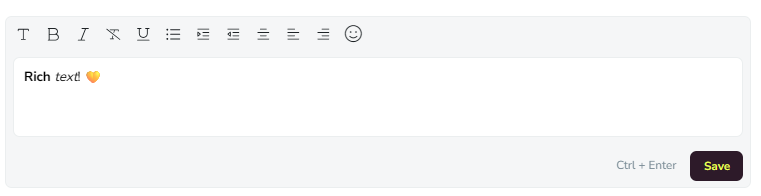
Notes support bold, italics, headings, bulleted and numbered lists, and links, using the same editor as dashboard insights. Until now, notes were plain text.