
Yes. Metricool is available as a verified connector in ChatGPT’s Apps section. Connect it from the official ChatGPT web experience using the steps in this guide, then use natural language to work with your Metricool account.
How to connect Metricool's MCP with ChatGPT
Updated last week
Interface screenshots are shown in English
Connect Metricool as a verified connector in ChatGPT so you can work with your analytics and posts in natural language. This guide walks through the setup steps on ChatGPT web.
Looking to connect a different platform? See the full list of supported apps. For plan limits that still apply after you connect, see MCP limits and plan requirements.
Metricool MCP works with any Metricool plan, including Free. Your plan limits still apply after you connect.
What you need before getting started
Before connecting Metricool to ChatGPT, make sure you have the following:
A Metricool account: The MCP works with any plan, including Free. Your plan limits still apply. See MCP limits and plan requirements.
A ChatGPT account with access to Apps: You need to be able to open Apps and connect external tools. If you have questions about which ChatGPT plan includes Apps, check with OpenAI.
We recommend reviewing ChatGPT’s privacy policy before authorizing access to the MCP.
What the MCP can do
Once you connect the MCP, ChatGPT can use these tools in your Metricool account, within your plan limits:
Brands: view the configuration of your brands.
Analytics: see which metrics are available and query their data, including the analytics of your connected ad accounts.
Planner: view your scheduled posts, check the best time to post, create and edit scheduled posts, and create posts for review or send them for review.
The permissions screen you see when you authorize the app describes the general access the app receives over your account, which is broader than what the MCP can do. Inbox messages, post comments, Smartlinks, Google Business Profile reviews, autolists, Canva or Drive files, and the management of Ads campaigns (the Ads tab) are not available through the MCP at the moment. You can still query the analytics of your connected ad accounts.
Authorizing the app grants broad access to your Metricool account, similar to logging in directly. Only authorize the MCP in tools you trust. Revoke access from ChatGPT when you want to disconnect Metricool.
Connect Metricool in ChatGPT
Metricool is available as a verified connector in ChatGPT’s Apps section on the web:
Go directly to Metricool for Social Media on ChatGPT, or open ChatGPT, click Apps in the left sidebar, and search for Metricool.
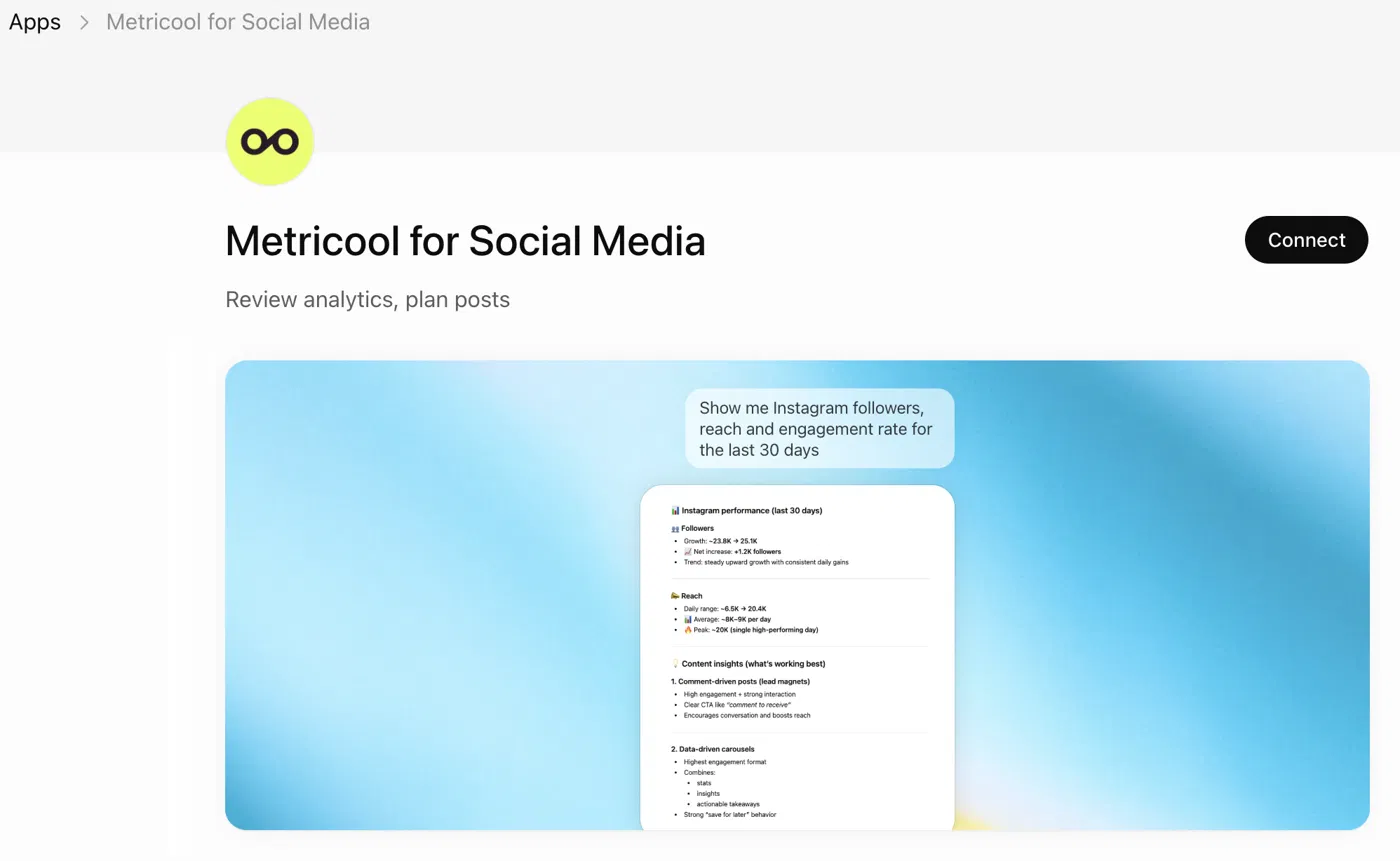
Click Connect. In the sign-in popup, choose Sign in with Metricool for Social Media.

You will be redirected to Metricool to authorize the connection. Review the permissions and click Grant access.
Once connected, Metricool’s MCP is available in your ChatGPT chats.
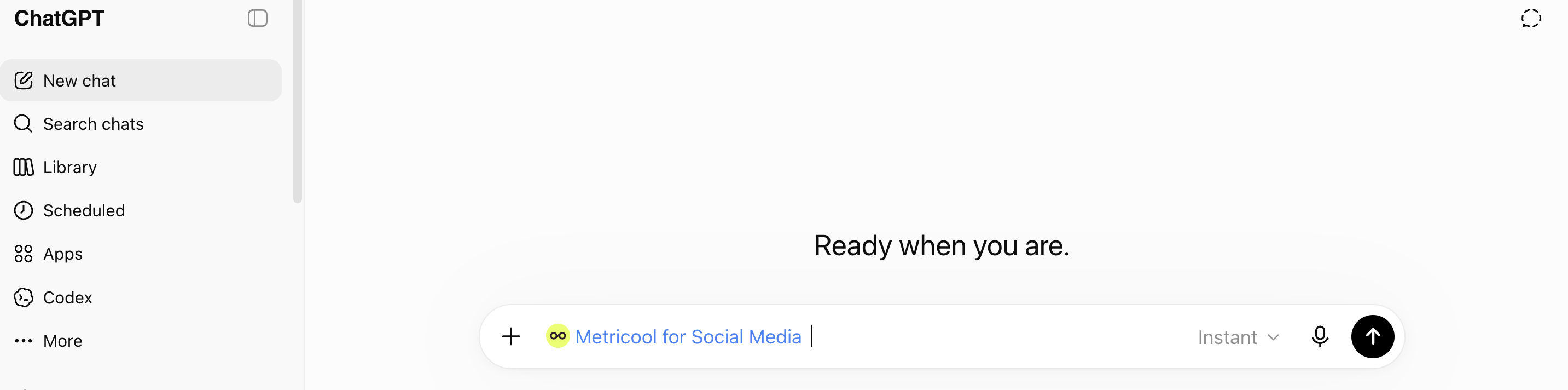
Use ChatGPT after connecting
After the connector is authorized, ask ChatGPT in natural language to work with your Metricool data—for example, to pull analytics for a brand, schedule a post, or update a scheduled post. Metricool plan limits still apply to what the MCP can complete.
For the scheduling and editing workflow, including how the LLM confirms a post, see Schedule and edit posts through an LLM with Metricool's MCP.
FAQs
Compatibility, plans, and capabilities for Metricool MCP in ChatGPT.
Does Metricool MCP work with ChatGPT?
Does it work with the official ChatGPT app on web and iOS?
Yes for ChatGPT on the web. Metricool documents setup through ChatGPT’s Apps section at chatgpt.com, including the Metricool for Social Media app page.
Metricool does not document a separate ChatGPT iOS setup path. Whether Apps or MCP connectors appear or work in ChatGPT mobile apps depends on OpenAI. For a reliable connection, use ChatGPT on the web.
Which ChatGPT plans support Metricool MCP?
Your ChatGPT account must have access to Apps so you can connect external tools such as Metricool. Which ChatGPT plans include Apps or broader MCP features is controlled by OpenAI and can change.
Metricool does not publish its own Plus, Pro, Team, Business, or Enterprise eligibility list for ChatGPT. Check OpenAI’s current ChatGPT plan and Apps documentation for the plan you use.
On the Metricool side, the MCP works with any Metricool plan, including Free. See MCP limits and plan requirements.
Can ChatGPT read analytics and schedule or edit posts through the MCP?
Yes. Through the MCP, ChatGPT can both read data and take actions in your Metricool account, within your Metricool plan limits:
See which metrics are available and query their data, including the analytics of your connected ad accounts
View your scheduled posts and check the best time to post
Create and edit scheduled posts
Create posts for review or send them for review
View the configuration of your brands
The native Metricool app inside ChatGPT uses an earlier version of the MCP integration, so direct clickable links back to a scheduled or updated post in Metricool are not yet available on that path. ChatGPT users with a paid Metricool account can connect manually via https://ai.metricool.com/mcp when they need the full feature set described for other MCP clients. See Schedule and edit posts through an LLM with Metricool's MCP.
Additional resources
📹 How to Connect Instagram to ChatGPT + 3 Ways to Use It — EN · ES
📝 Manage all your social media from ChatGPT with Metricool MCP
Related articles
Was this helpful?
Was this helpful?