
WLA: Agency Portal Login Window
Updated 3 months ago
🏷️ Your branded client entry point
The agency login window is the branded sign-in page your clients use to access their white-label Metricool dashboard. It displays your agency logo and lives at your custom domain, so the experience stays fully under your brand.
📈🌐🔐
How clients reach the login window
After you add a client from Menu > Whitelabel settings > Clients and send the invitation, the client clicks Activate your account, sets a password, and then reaches the login window. This is the same page they will use for every future visit.
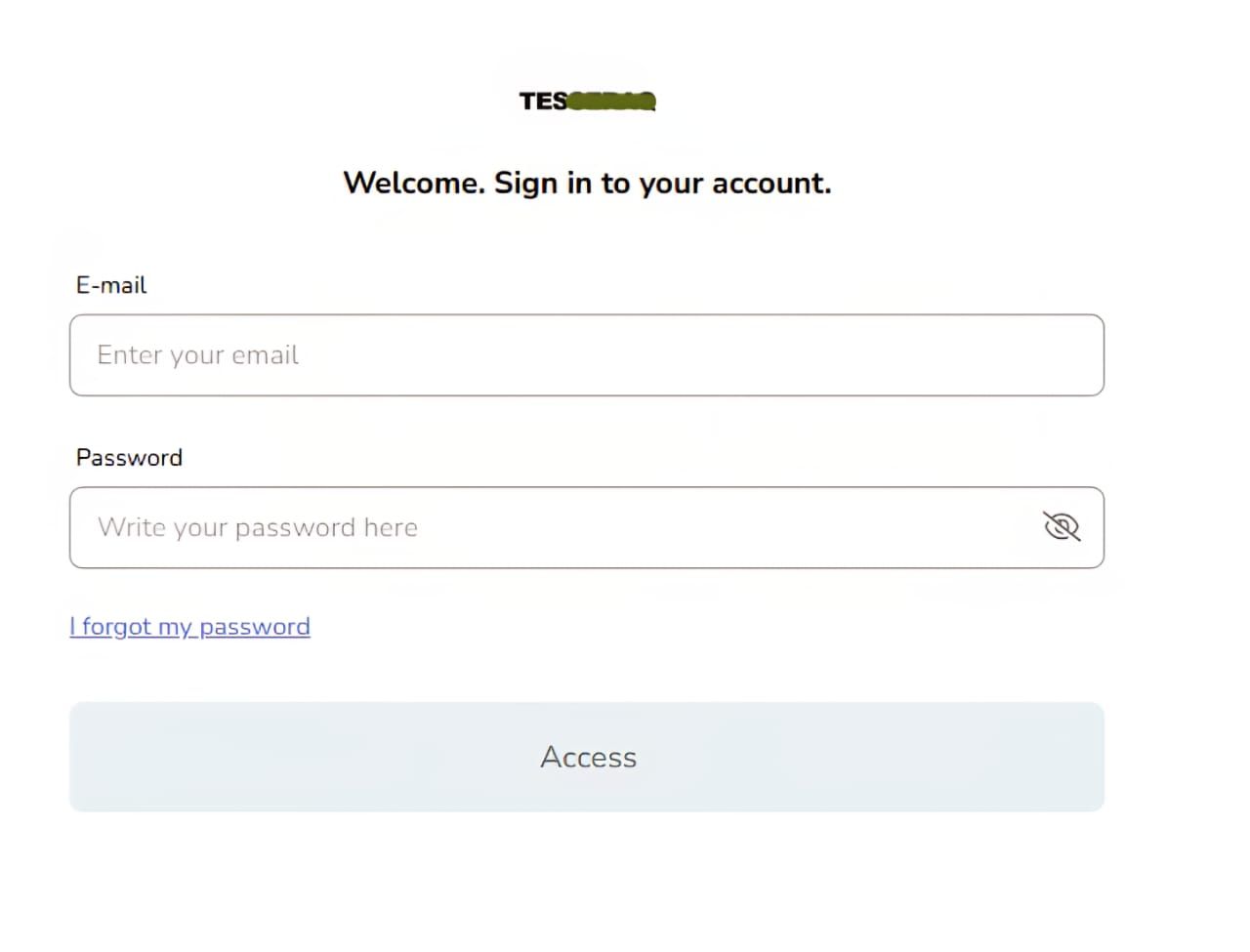
The login window shows the Login logo you uploaded in the General Settings tab of your Whitelabel settings. You can customize it alongside your main logo, name, and colors.
Who can use the agency login?
The login window only works for users added from the Clients window in your Whitelabel settings.
Do not confuse it with your main Metricool account login. The agency login and the standard Metricool sign-in are two separate entry points.
Domain and access link
Your agency domain determines the URL of the login window. During the trial period, the domain is fixed as your-agency-name.ext.metricool.com and cannot be changed.
To switch to your own custom domain, configure a CNAME record. If a client loses their access link, share your agency domain URL with them, and they will be redirected to your login page.