
No. Free and Starter plans include a single access.
If you need to add people, assign roles, or share brands with others, you need an Advanced or higher plan.
Add a collaborator in Metricool
Updated today
Add a collaborator when someone needs access to one or several specific brands. You choose the brands and a role for each one, so the same person can be an editor in one brand and an analyst in another.
Adding collaborators is available on Advanced and Custom plans. Free and Starter plans include a single access and don't allow adding more people.
To give someone the same role in all your brands, including brands you add later, add a team member instead. Not sure which one you need? See User management in Metricool.
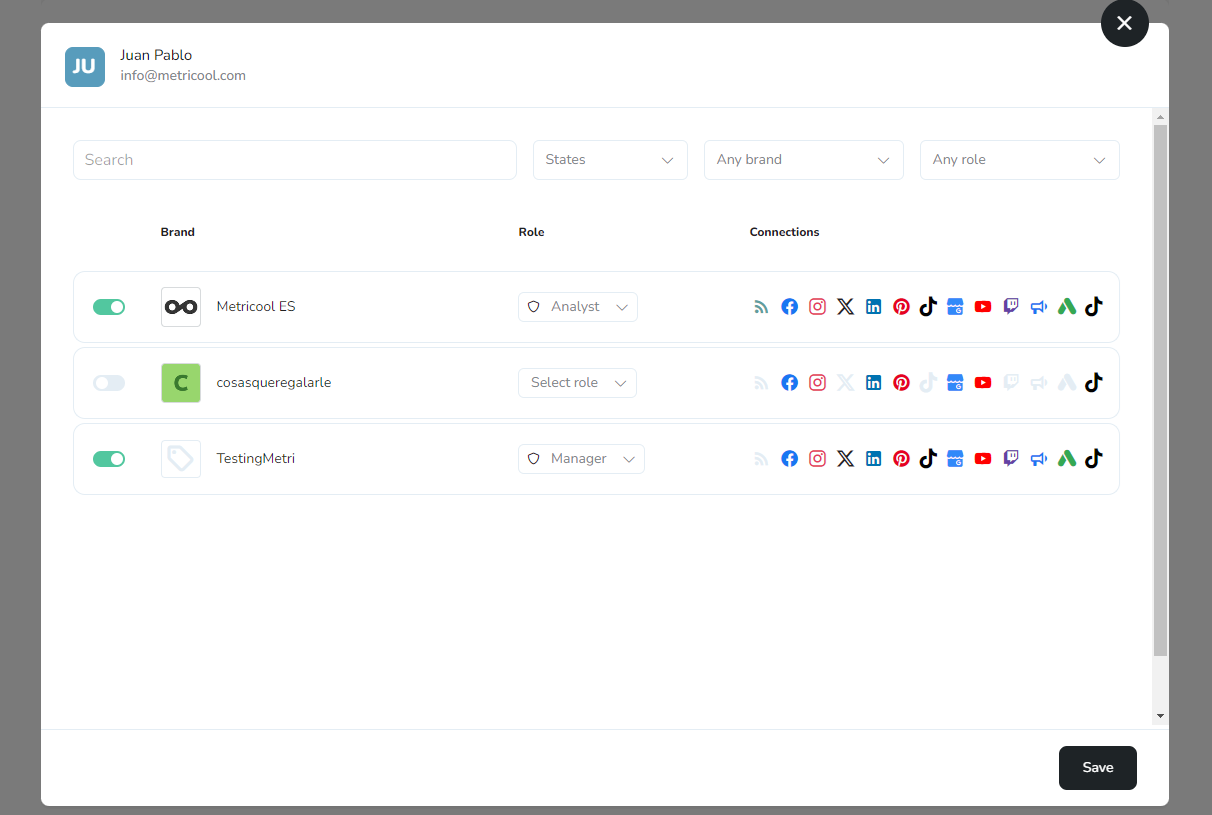
How to add a collaborator
In the top menu, click on the three horizontal stripes located on the right, select User management, and click Add collaborator.
If you give access to a free account, the message "Upgrade" will still be displayed. However, the collaborator will have premium features in the shared brands. Expand the details about shared brands here.
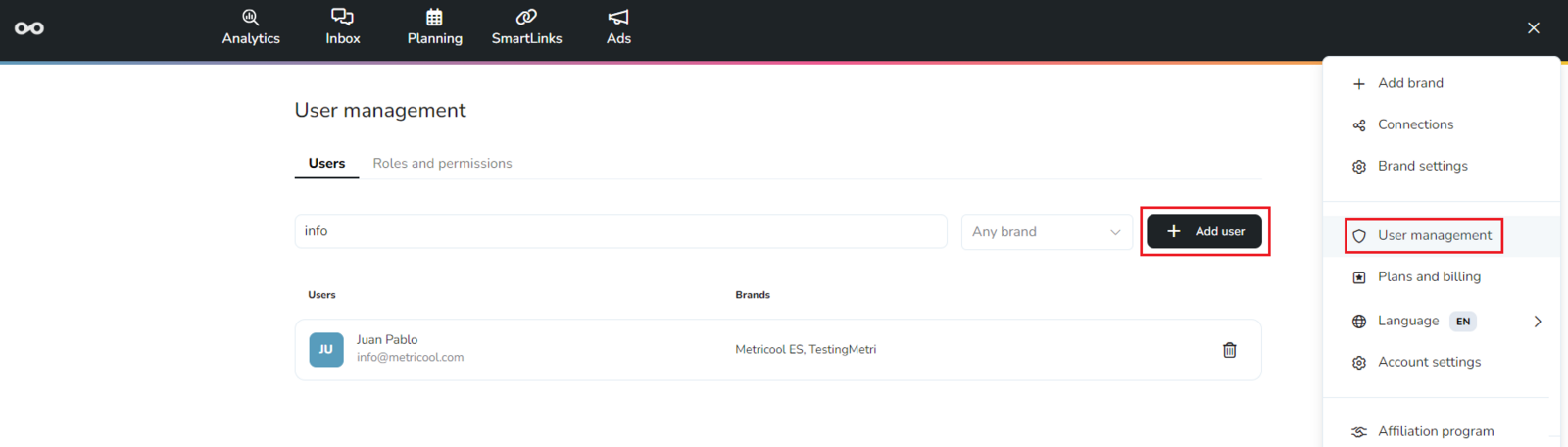
Add the person's email and click on continue.
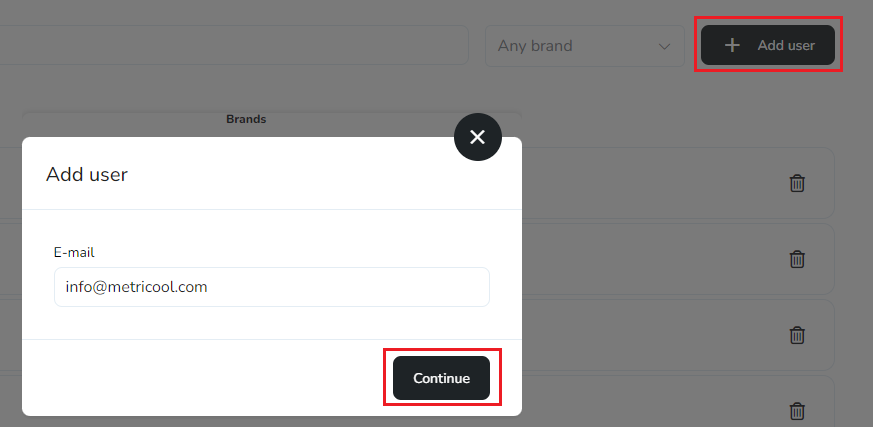
Select the brands and assign the role. You can use a different role for each brand.
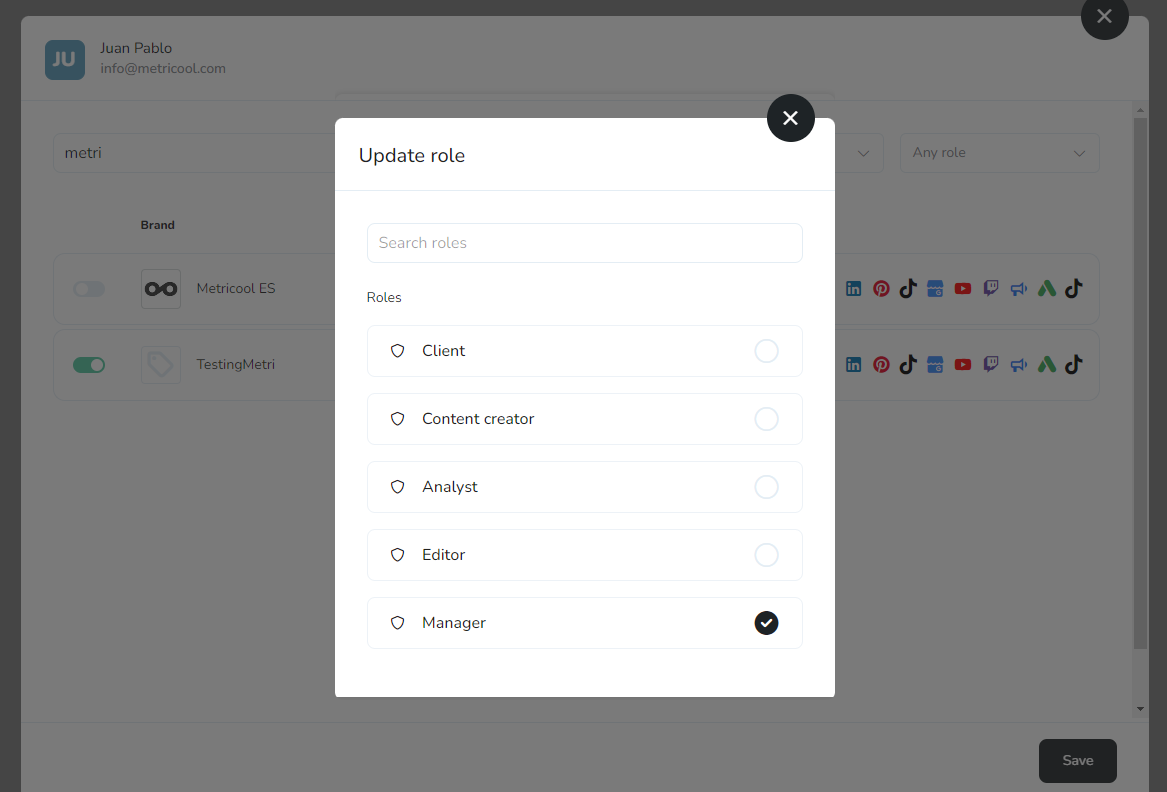
Choose whether to send a notification to the new collaborator and finish by clicking again on Add collaborator.
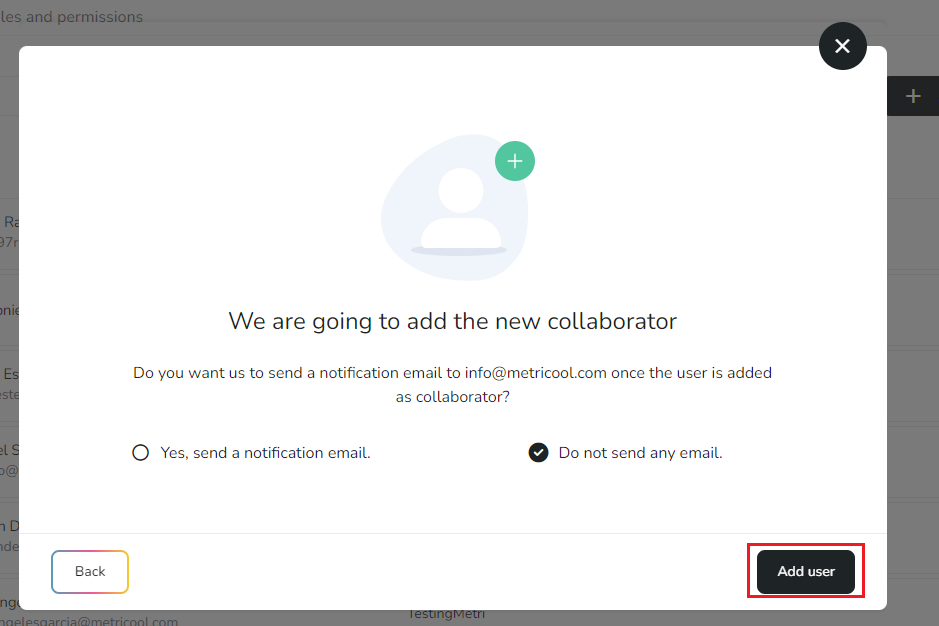
Invitations sent by email expire after 24 hours. If the invited person hasn't accepted the invitation after that time, find them in the Collaborators tab of User management and click Resend link to send it again. You can resend the link once every hour.
If you have access to more than one organization, select the right one in the Organization selector before you start. The brands and roles you see belong to that organization.
Roles for collaborators
Pick one of the default roles or a custom one. A role that has only organization permissions can't be assigned to a collaborator, because organization permissions only apply to team members. To see what each permission allows or to create a role, go to Roles and permissions in Metricool.
FAQs
Can I add more people with any plan?
Which plan do I need to add collaborators?
Collaborators are available on Advanced and Custom plans.
Can I assign a different role in each brand?
Yes. When adding a collaborator, you can select multiple brands and assign a different role in each one.
What is the difference between a collaborator and a team member?
A collaborator has access to the specific brands you select. A team member has a role across all brands in the organization, including future ones, plus any organization permissions in that role.
Does the invited person receive a notification?
It's optional. When adding a collaborator, you can choose whether to send them an email notification.
How long is an email invitation valid?
Invitations sent by email expire after 24 hours. If the invited person hasn't accepted it by then, you can send it again. See the question below for how to do it.
How do I resend an invitation?
If the person hasn't accepted the invitation after 24 hours, go to the Collaborators tab in User management, find them in the list, and click Resend link. You can resend the link once every hour.
What does the invited person need to do to log in?
They need to accept the invitation from the email we send them. Their account stays inactive until they do, so they can't log in before that, and they don't need to sign up again. If they're stuck, point them to How to log in to Metricool from the website.
Related articles
Was this helpful?
Was this helpful?