
Update Fields on Data Studio
Updated 3 weeks ago
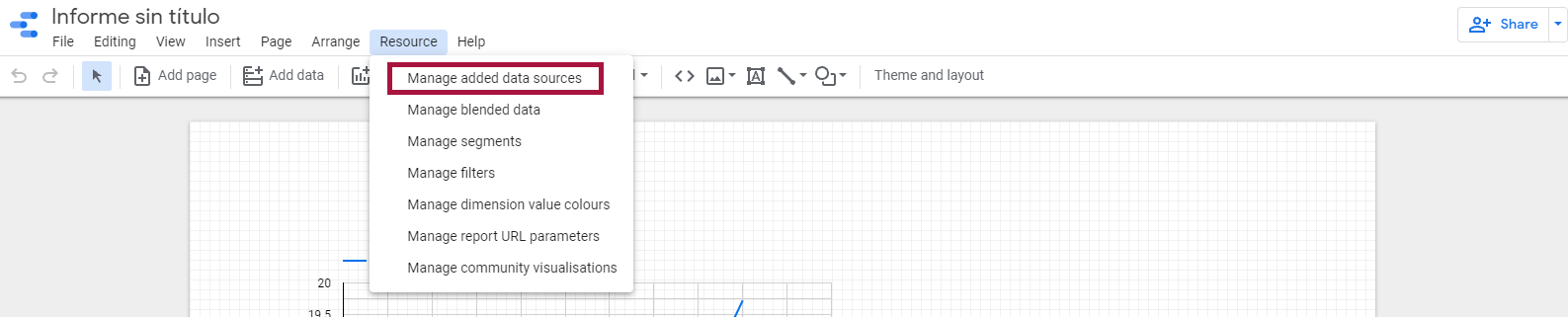
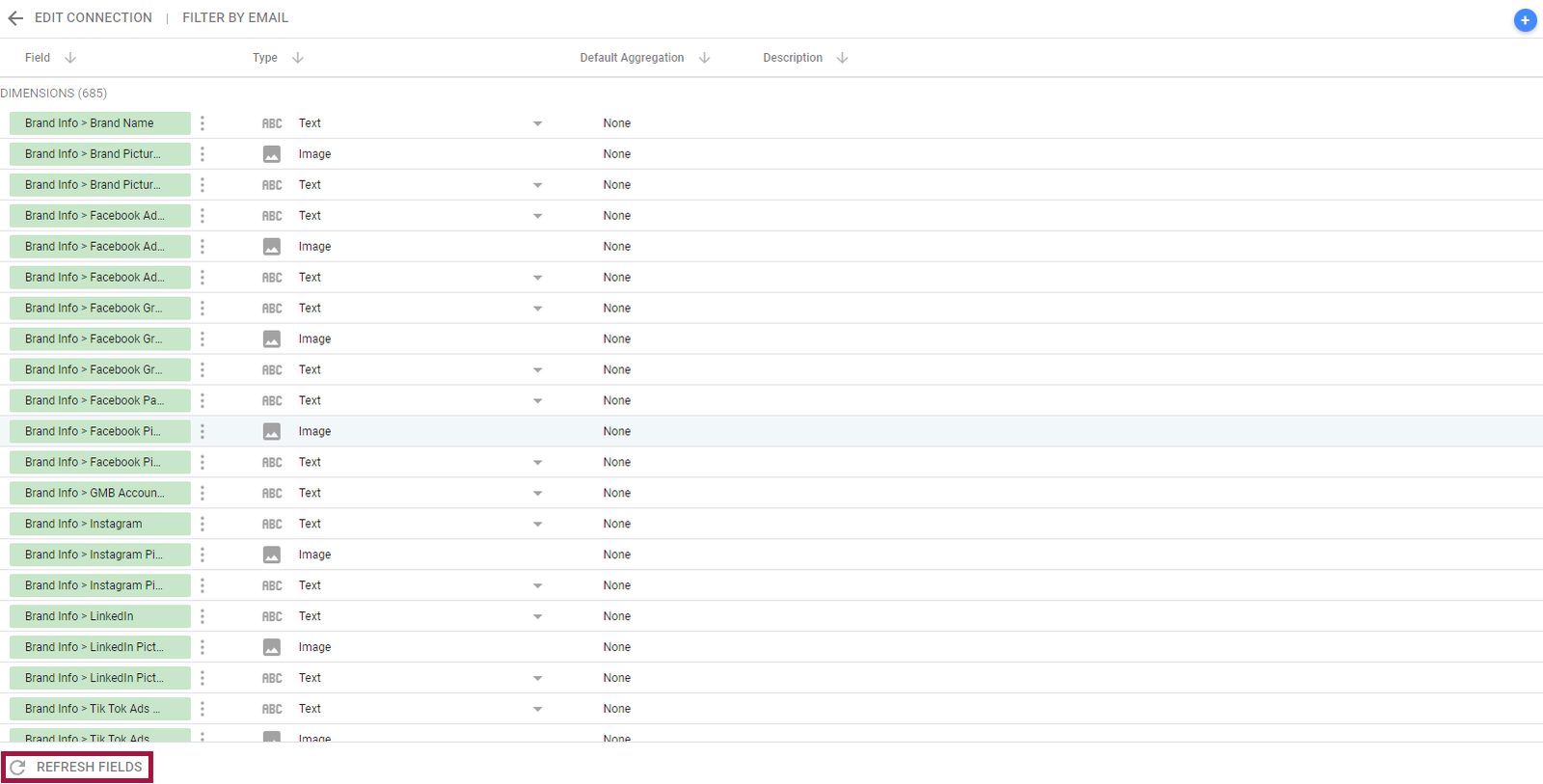
In order for new metrics that are added to Metricool to also be displayed in Data Studio, the fields need to be refreshed. To do this, click on the data source and then click on "Refresh fields": Resource > Manage added data sources > Edit Data source > Refresh Fields > Continue.

You can see all available metrics in our Data Studio connector here.
Was this helpful?
Was this helpful?