
How to setup a brand?
Updated 3 weeks ago
Set up your brand in Metricool: update its name and image, and choose how engagement is calculated for your posts.
Brand settings
From brand settings you access the Brand identity and Engagement settings. The sections are displayed one below the other, in full width, and the Save button is at the bottom of the page.
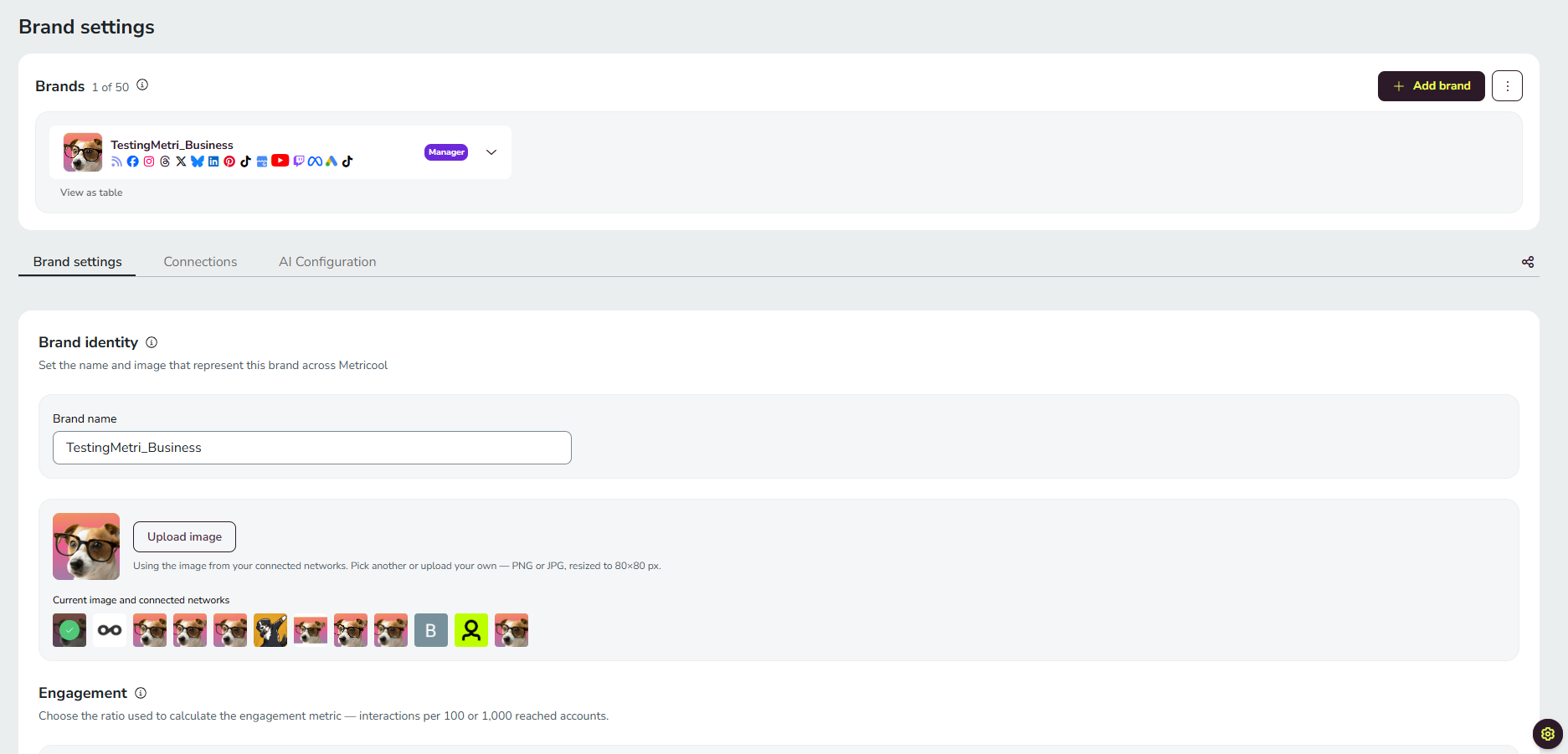
Manage all your brands by clicking on "View as table".
Brand identity
Edit your brand name and change the image. Choose one of the logos extracted from the connected social networks (you must first connect your social networks to have those images available), or upload your own custom image (PNG or JPG) directly from Brand Settings.
Engagement
Select the formula to calculate the engagement of the posts (you will be able to save the change for all your brands). For more details, check the Engagement article.
Related articles